For Your Company
We run it in 2 full days at your workplace or online, tailored to your team. HRD Corp claimable or by invoice.
Get a Quote →A hands-on Level 3 program for non-technical professionals. Set up AI staff who handle research, writing, follow-ups and admin, so you can take on more work without hiring. Works with ChatGPT or Claude.
You set up your AI staff by writing in plain language, like briefing a new colleague.
Use the one you already have. We show you how to build your AI office on both.
Teach your know-how once as a skill, and every AI staff member does it your way.
Try every step on your own work and leave with an AI team you can use right away.
The Curriculum
Five practical modules. Each one adds a new part to your AI office, from your first hire to a team that works together.
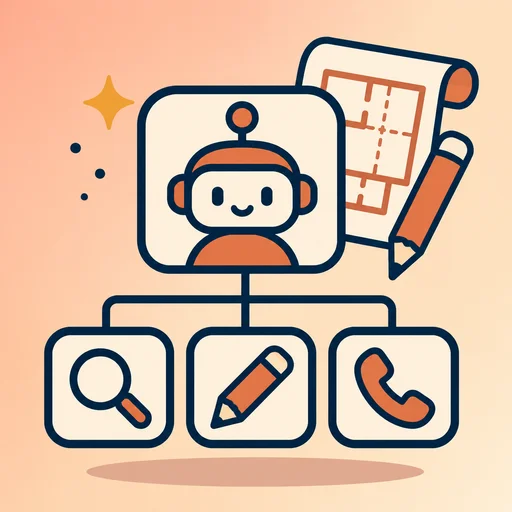
Draw your office chart. Choose which jobs to give your AI staff, such as research, writing, sales follow-up and admin, for your business, a department or one project.
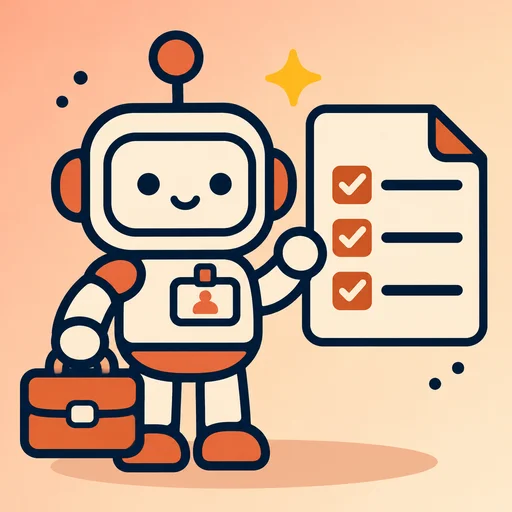
Create your first AI staff, each with a clear job description, tone and rules. Give them real tasks, then coach them until the work is good.
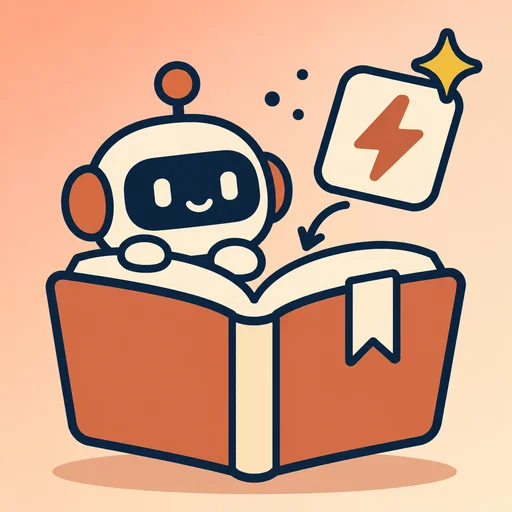
Turn the way you work into skills your AI staff use again and again: your steps, brand voice, templates and checklists. Every task then comes out your way.
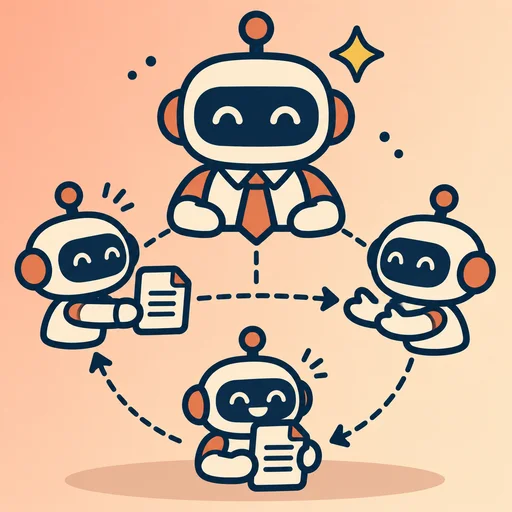
Add an AI manager who hands out tasks. Pass work from one staff member to the next, link your email, calendar and documents, and set up a daily briefing. You approve the important steps.
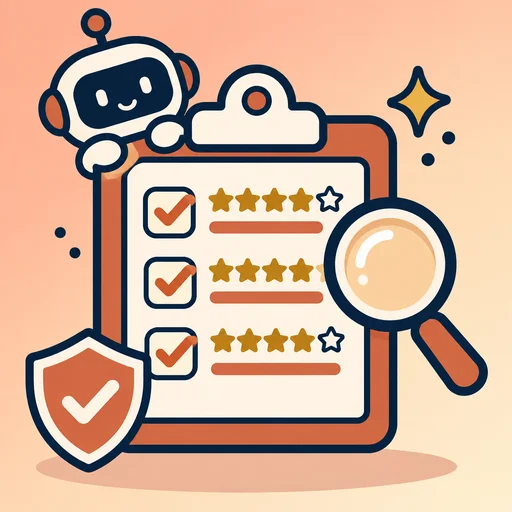
Check the quality of the work, keep your information safe, watch the costs and review how your staff are doing. Then grow from one task to a whole department or project, such as Sales, Marketing or Admin.

Show your AI team at work on a real part of your business at a public session such as Demo Day or Inno Day. Get feedback from your mentor and peers, and earn your Certificate of Achievement.
 Trainer in Charge
Meet Your Trainer
AI Trainer, Founder of AICoach.my
A software programmer turned entrepreneur with more than 20 years running an IT business. Ricky founded AICoach.my and explains even advanced AI tools in plain language, with real examples from everyday work.
“Making AI literacy accessible to every professional across Malaysia.”More about Ricky →
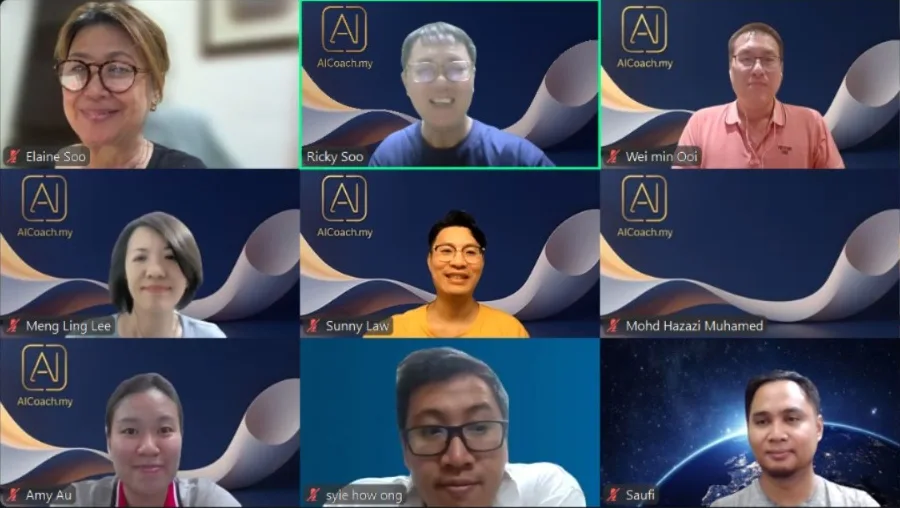
Real Classes, Real People

Real Results

Founder, Fletcher Consultancy
“AI has essentially given me the capacity of a small team.”Read the story →

Founder
“AI is not just a tool, but a powerful business partner.”Read the story →

Content Creator
“My AI is my secret weapon for content creation, branding, and strategy.”Read the story →
Learn It Your Way
Bring the AI Office Program to your team, join a public class, or learn at your own pace.
We run it in 2 full days at your workplace or online, tailored to your team. HRD Corp claimable or by invoice.
Get a Quote →Join a 2-day in-person class with other professionals. Register your interest and we'll tell you first.
Register Interest →Learn at your own pace from our class recordings and slides, with 2 months of access and mentoring on request.
See Video Learning →Prerequisite: a Level 1 or Level 2 program, or daily use of ChatGPT or Claude. Required subscriptions: ChatGPT Plus or Claude Pro, plus third-party subscriptions depending on what your AI team does. Questions before you join? Ask us on WhatsApp.
FAQ
No. You set up your AI staff by writing in plain language, the same way you would explain a job to a new colleague.
An AI office is a small team of AI staff, each set up for one job, with their own instructions, knowledge and skills. They share your business know-how and pass work to each other, and you stay in charge as the boss.
Yes. You need a ChatGPT Plus or Claude Pro subscription. Depending on what your AI team does, you may also need third-party subscriptions, such as for email, calendar, customer records or design tools. We help you work out what you need, so you only pay for what you use.
Either works. Choose the one you already use. We show how to build your AI office on both, and how skills let you carry your know-how from one to the other.
The Claude Creator Program teaches you to build skills and create things with Claude. In the AI Office Program, you use skills to set up a whole team of AI staff who work together for your business, department or project.
The AI Automator Program builds fixed workflows in Make.com and n8n that run on triggers. In the AI Office Program, your AI staff read, decide and write, and you stay in charge of the important steps.
Complete a Level 1 or Level 2 program, or already be comfortable using ChatGPT or Claude every day, including Projects and skills.
Individuals, freelancers, salespeople and small business owners who want AI staff to help with their work, and teams who want AI staff for a department or project.
Module 5 shows you what to share with your AI staff, what to keep out, and how to check their work before it goes to a customer.
Register your interest, and we'll tell you first when the next one opens.
No. The project is optional unless you want the Certificate of Achievement. Present your AI office at a public session such as Demo Day or Inno Day.
There's no payment on the website. For company training, we send a quote, and your company can claim it from HRD Corp or pay by invoice. For a public program, we'll WhatsApp you the details and a secure payment link once the dates are set.
Yes, when we run it as training for your company or as a 2-day public program, because HRD Corp claimable training must be at least 4 hours long. Your company can also pay us by invoice.
Still unsure? Chat with us on WhatsApp. Looking for training for your team? See corporate training.
ChatGPT, Claude and other products mentioned on this page are trademarks of their respective owners. This training program is independently operated by AICoach.my and is not affiliated with, sponsored, or endorsed by OpenAI, Anthropic or any other tool provider.
For Your Company or a Public Class
Tell us which way suits you. It takes under a minute.